
Introduction
Paying with your phone is common in Cambodia. You can use bank apps, e-wallets, or QR-based services to pay bills, transfer money, and buy things without cash. Here’s how mobile payments work and how to use them safely.
What Are Mobile Payments?
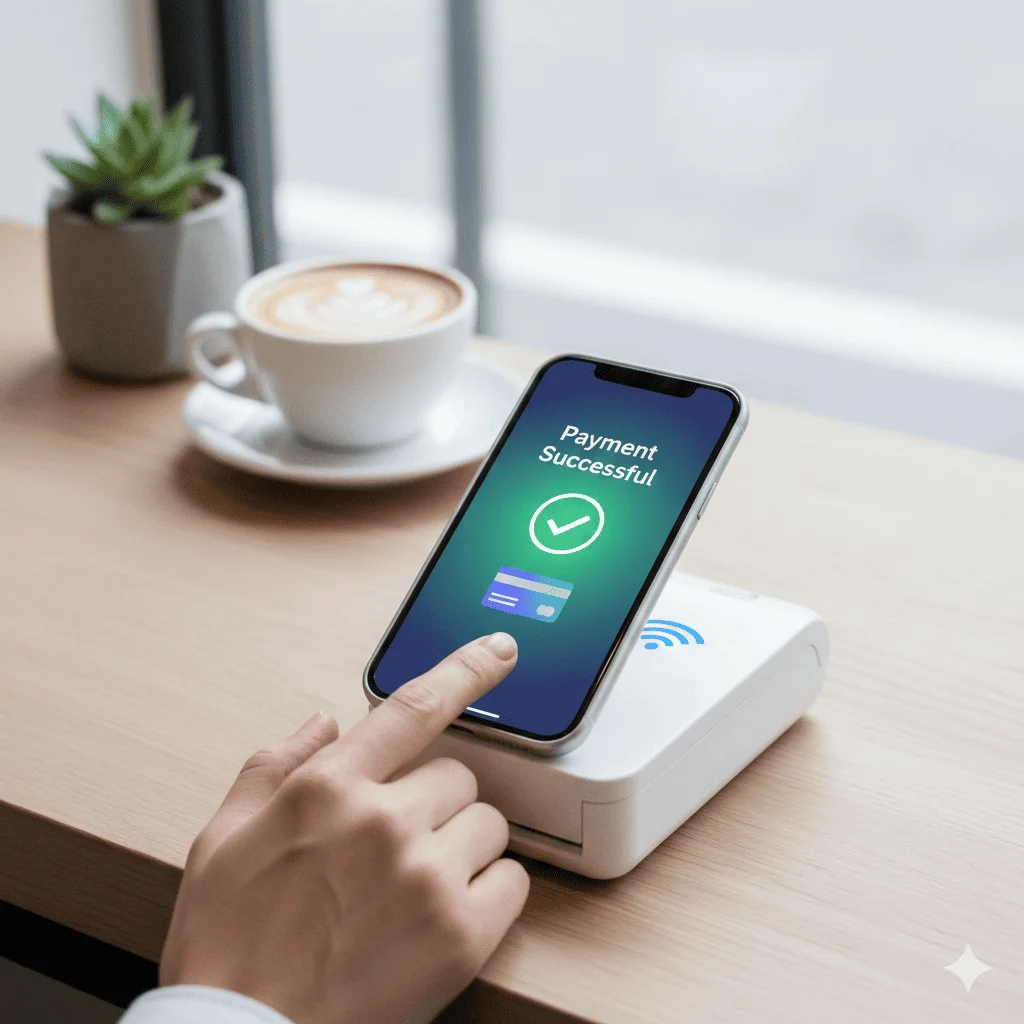
Mobile payments allow you to make transactions using your smartphone or mobile device instead of cash or physical cards. They use digital wallets, QR codes, or NFC technology to process payments instantly.
Benefits of Mobile Payments
- Convenience: Pay anywhere, anytime with just your phone
- Speed: Instant transactions without waiting for change
- Security: Encrypted transactions and biometric authentication
- Tracking: Easy record-keeping of all transactions
- Contactless: Safer and more hygienic than cash
- Rewards: Many apps offer cashback and loyalty points
Types of Mobile Payment Systems
Digital Wallets
- Store payment methods and funds digitally
- Examples: PayPal, Apple Pay, Google Pay, Alipay
- Link to bank accounts or credit cards
- Can hold balance directly in the wallet
Mobile Banking Apps
- Direct bank account access via mobile app
- Transfer money, pay bills, manage accounts
- Examples: Bank mobile apps, ABA Mobile
QR Code Payments
- Scan QR codes to make payments
- Popular in many Asian countries
- Fast and easy for merchants and customers
NFC Payments
- Tap your phone on payment terminals
- Uses Near Field Communication technology
- Examples: Apple Pay, Google Pay, Samsung Pay
Popular Mobile Payment Apps
Global Apps
- PayPal: Widely accepted internationally
- Apple Pay: For iPhone users
- Google Pay: For Android users
- Venmo: Popular in the US for peer-to-peer payments
Regional Apps
- Alipay: Popular in China and Southeast Asia
- WeChat Pay: Integrated with WeChat messaging
- GrabPay: Part of Grab ecosystem
- GoPay: Part of Gojek ecosystem
Getting Started
Step 1: Choose a Payment App
Consider:
- Availability in your region
- Accepted merchants
- Fees and charges
- Security features
- User reviews
Step 2: Download and Install
- Download from official app store
- Verify app authenticity
- Read terms and conditions
Step 3: Create Account
- Sign up with email or phone number
- Verify your identity
- Set up security features (PIN, biometrics)
Step 4: Add Payment Method
- Link bank account
- Add credit/debit card
- Or add funds directly to wallet
Step 5: Start Using
- Make your first payment
- Explore features and settings
- Set up recurring payments if needed
How to Make Payments
Using QR Codes
- Open your payment app
- Select "Scan QR Code" or "Pay"
- Point camera at merchant's QR code
- Enter amount (if not pre-filled)
- Confirm payment
- Receive confirmation
Using NFC
- Unlock your phone
- Hold near payment terminal
- Authenticate with fingerprint/face ID
- Wait for confirmation beep
- Transaction complete
Sending Money to Friends
- Open payment app
- Select "Send Money" or "Transfer"
- Enter recipient's phone/email
- Enter amount
- Add note (optional)
- Confirm and send
Security Best Practices
- Use Strong Passwords: Create unique, complex passwords
- Enable Biometric Auth: Use fingerprint or face recognition
- Keep Apps Updated: Install security patches promptly
- Monitor Transactions: Check statements regularly
- Don't Share Credentials: Never share PINs or passwords
- Use Secure Networks: Avoid public Wi-Fi for payments
- Enable Notifications: Get alerts for all transactions
- Set Spending Limits: Control maximum transaction amounts
Common Use Cases
Shopping
- Pay at retail stores
- Online purchases
- Marketplace transactions
Bills and Utilities
- Pay electricity, water, internet bills
- Set up automatic payments
- Manage subscriptions
Transportation
- Pay for rides (Uber, Grab)
- Public transport tickets
- Parking fees
Food and Dining
- Restaurant payments
- Food delivery apps
- Coffee shops and cafes
Peer-to-Peer
- Send money to friends
- Split bills
- Pay rent to landlords
Tips for Success
- Start Small: Begin with small transactions to build confidence
- Keep Backup Payment: Always have cash or card as backup
- Check Merchant Acceptance: Verify app is accepted before ordering
- Understand Fees: Know transaction fees and limits
- Keep Receipts: Save digital receipts for records
- Use Multiple Apps: Different apps for different purposes
- Stay Updated: Keep apps updated for new features
Troubleshooting
Payment Failed
- Check internet connection
- Verify sufficient balance
- Confirm card/bank account is active
- Check transaction limits
- Contact support if issue persists
App Not Working
- Restart the app
- Update to latest version
- Clear cache and data
- Reinstall if necessary
- Check device compatibility
Unauthorized Transaction
- Immediately contact app support
- Freeze your account
- Report to your bank
- Change passwords
- Review recent transactions
Future of Mobile Payments
- Cryptocurrency Integration: More apps supporting crypto
- Biometric Advances: More secure authentication
- Global Expansion: Wider international acceptance
- AI-Powered Features: Smart spending insights
- Wearable Payments: Smartwatch and wearable integration
Conclusion
Mobile payments offer convenience, security, and efficiency. By choosing the right apps, following security best practices, and understanding how to use them effectively, you can enjoy the benefits of cashless transactions while keeping your money safe.